ReadMe
A documentation and project management tool for amateurs. Diploma project.
First thoughts
This project is based on my thesis, and explore how documentation can be a medium of emancipation for people. In that case my goal was to design a tool for amateurs that would enable them to :
- reflect upon their process
- share their project and get feedback The project also aims to answers some societal issues, and therefore embeds some core principles : open-source, flexible, transparent, easy-to-use.
User Researches
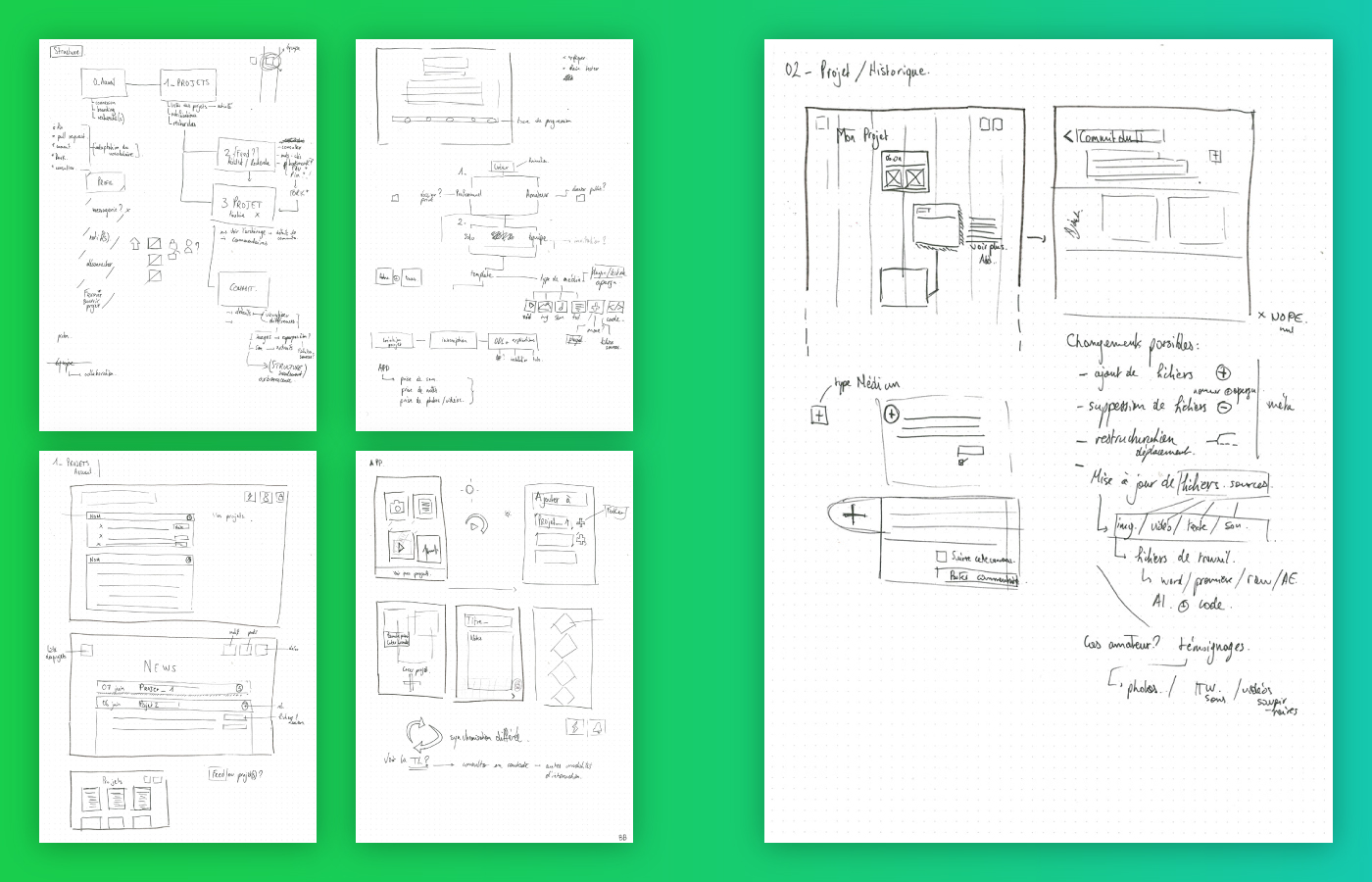
The research process began by studying work processes. For that, I contacted a lot of people with various backgrounds, asking them to describe me their tools and workflows. I documented and printed everything, trying to grasp what were the gaps in those tools. Even if many of them were not amateurs, I got some really interesting inputs that drove the project afterwards.
The meta-part : taking a step back
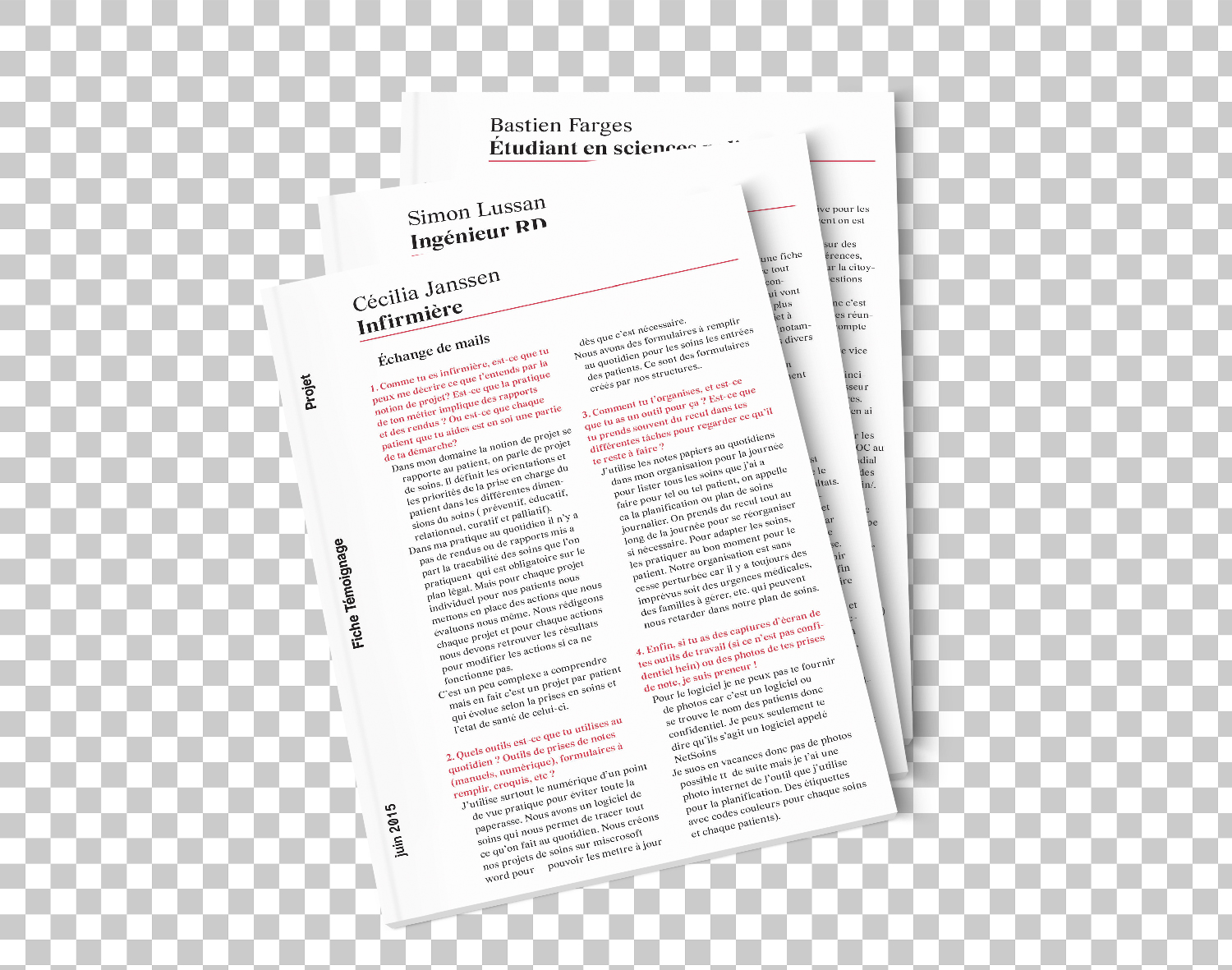
While designing the tool, I also created a 'project diary', with several goals :
- be transparent, and allow anyone that would be interested to be able to understand the process
- be able to take a step back on my own design process
- test some principles that I wanted to include in the tool on myself
You can actually consult the diary here.
As an experiment and part of the process, it was a success, in the sense that it was useful some of the features that would be difficult to implement. Also, it supported the idea of self-reflection, since I experimented this principle myself. The discipline required to fill the diary on a regular basis was tiring, but worth it.
The tools : prototypes
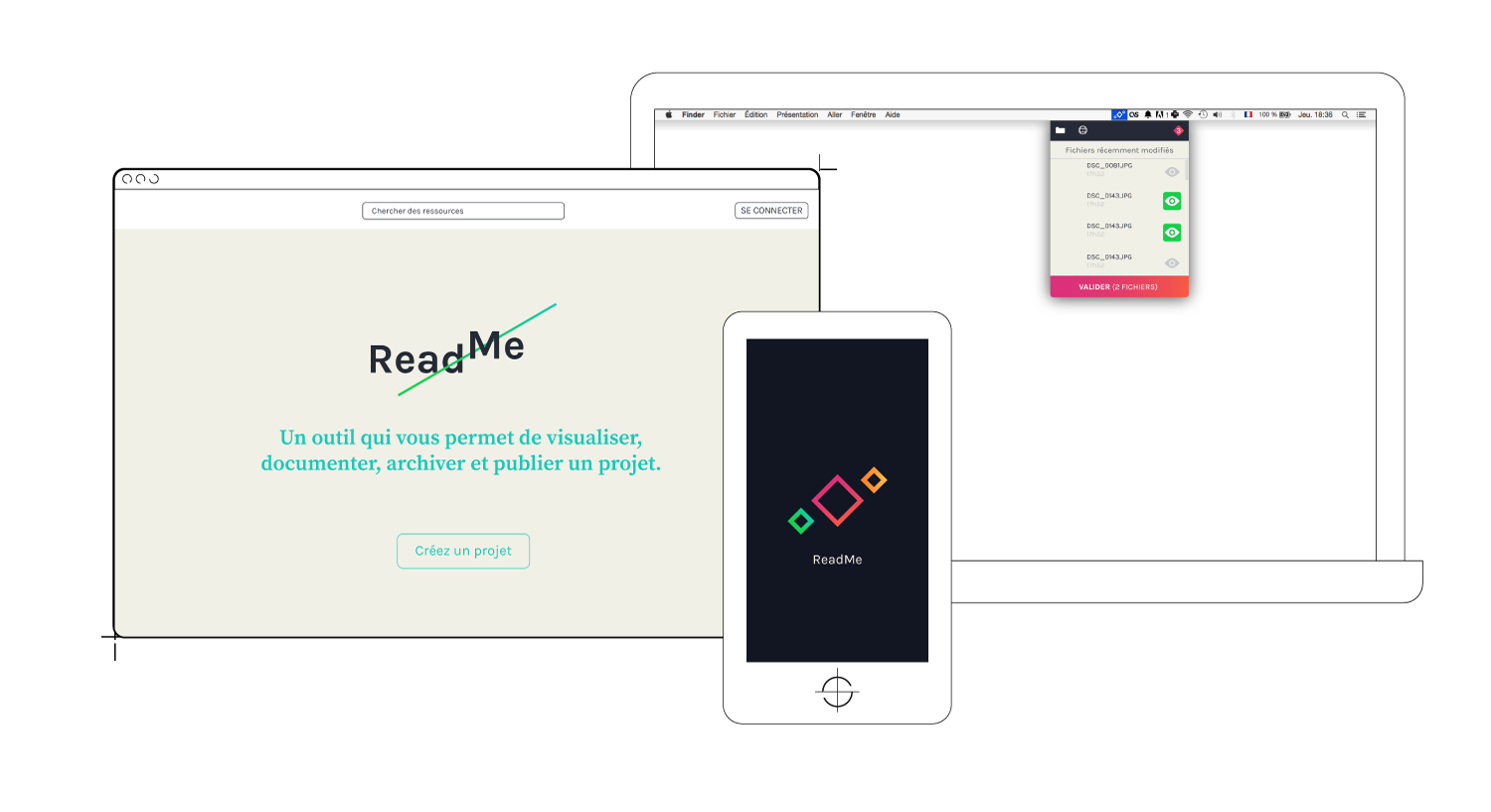 Composed of three modules, the tool is designed to adapt to any workflow : a webapp to share and get feedback, a desktop version to fit the computer flows, and a proper app for the rest.
The main tool to use is the webapp, where you can take a glimpse of the whole project, look for similar projects and get feedback from other amateurs. Here you can control what is public and shareable, and what is private and only seen by yourself.
On boarding of the web application
Each 'commit' is publishable, and annotable. The interface shows a timeline of each 'branch' of the project
Each event can get feedback from other users that share your interests
You can take a look on similar projects, processes
At the end of the project, you can publish it publicly, using a template or creating one to the format you need : step-by-step, blog post ...
Complementary to the webapp, a small tool is used on desktop, where you can manage your files and take notes.
Some of the features that you can find on the webapp and on the desktop are also embedded in a mobile app, for people who work in different environments : taking notes and traces from your activity, publish them on the go.
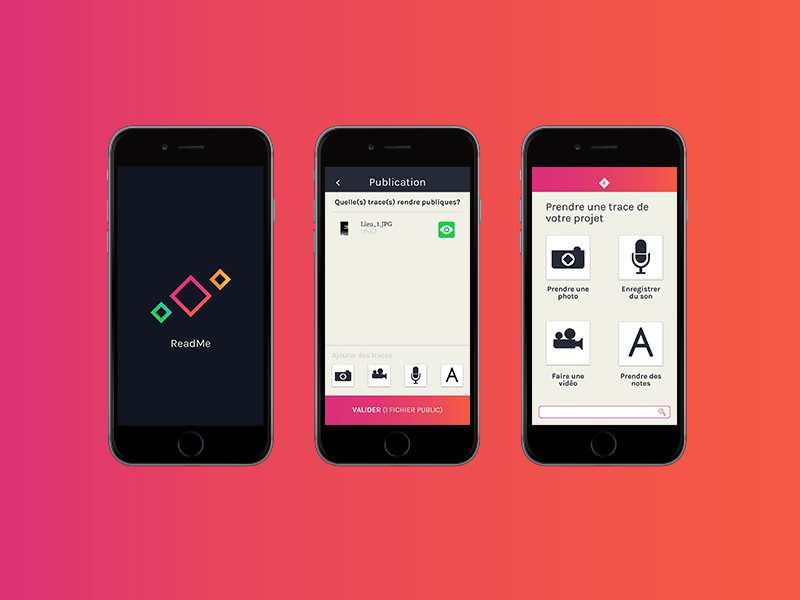
You can also see the Marvel prototype for the mobile app here.